Color Kingdom Coloring turns your iPhone or iPad into a box of crayons, pencils, markers and paint, with new coloring pages added all the time. Tap to fill, color with your finger or Apple Pencil, and stay in the lines without trying.
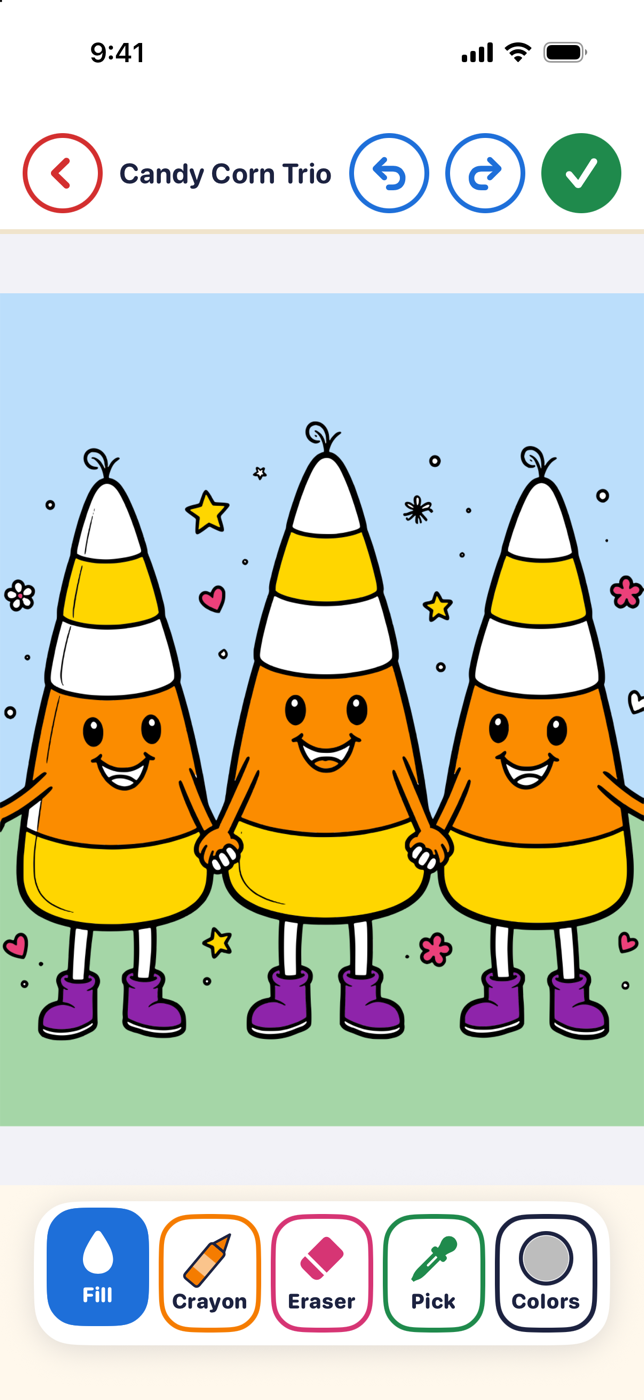
Big, friendly buttons and tools that work the way real ones do.
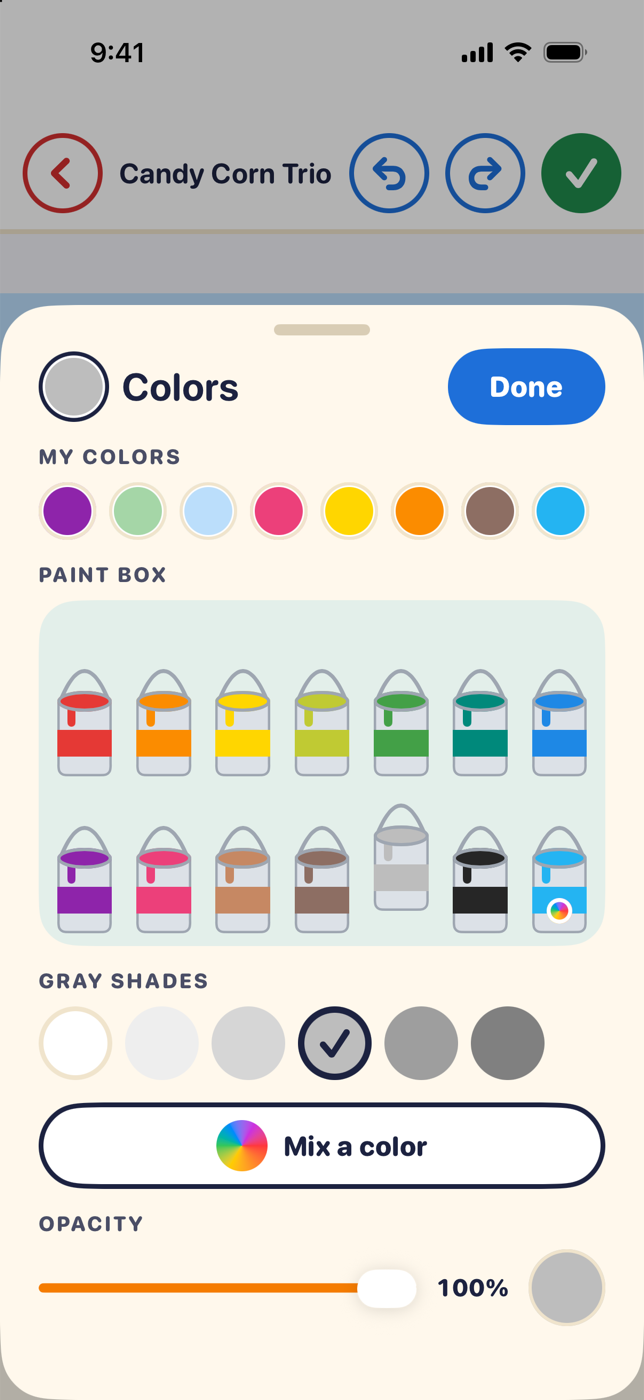
Four boxes of 13 colors, each with six shades. Pick a brush and a size, or tap Fill to color an area in one go.
Brushes and the eraser stay inside the area where you start, so every page comes out neat. Turn it off any time.
Slide to any color, make it lighter, darker, softer or brighter, and set how see-through it is. Your mix is saved in the box.
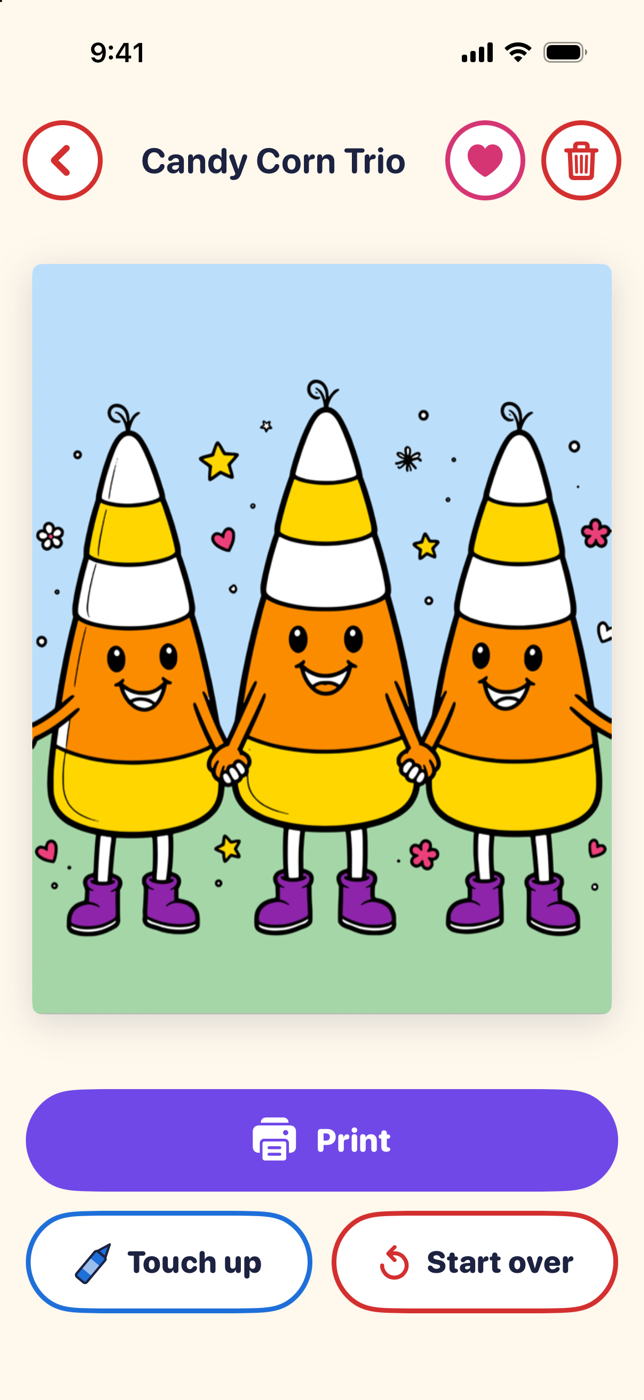
Tap the green check when a page is done to add it to My Gallery. Touch it up later, or print it to show it off.
Browse animals, holidays, vehicles and more, search by word, and save your favorites with a tap.
Print a blank page or your finished art. Pick several pages and print them together for parties and classrooms.
Made for iPhone and iPad.

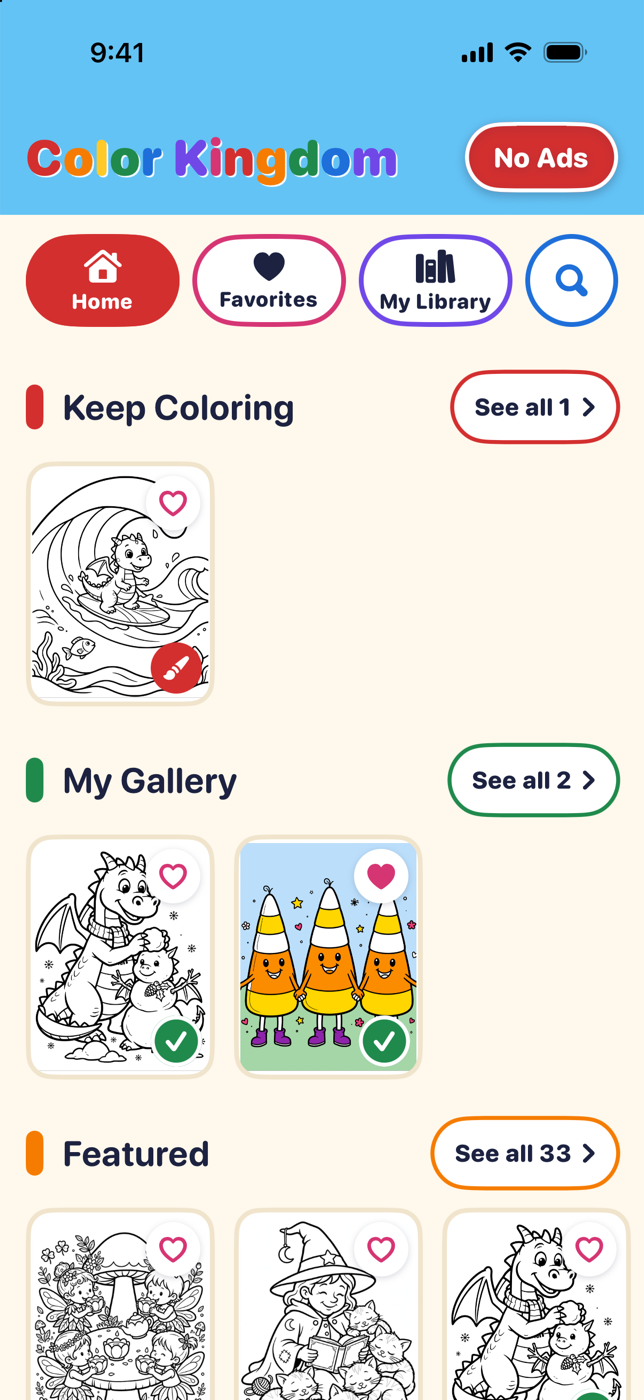
Keep Coloring and My Gallery sit at the top, with new pages underneath.

Thirteen colors with six shades each, your own mixes, and an opacity slider.

Print your art, touch it up, or start the page again.
Color Kingdom Coloring is free to download on the App Store, with an optional one-time purchase to remove ads.
New on Android: Color Kingdom Coloring is in testing on Google Play. Join, then install it from the link.